How it works
Install, train, stay reachable
Changing your POS mid-trade is nerve-racking. Our job is to make the switch boring: plan it, build the menu, test it, train the floor, then be there for the first busy service.
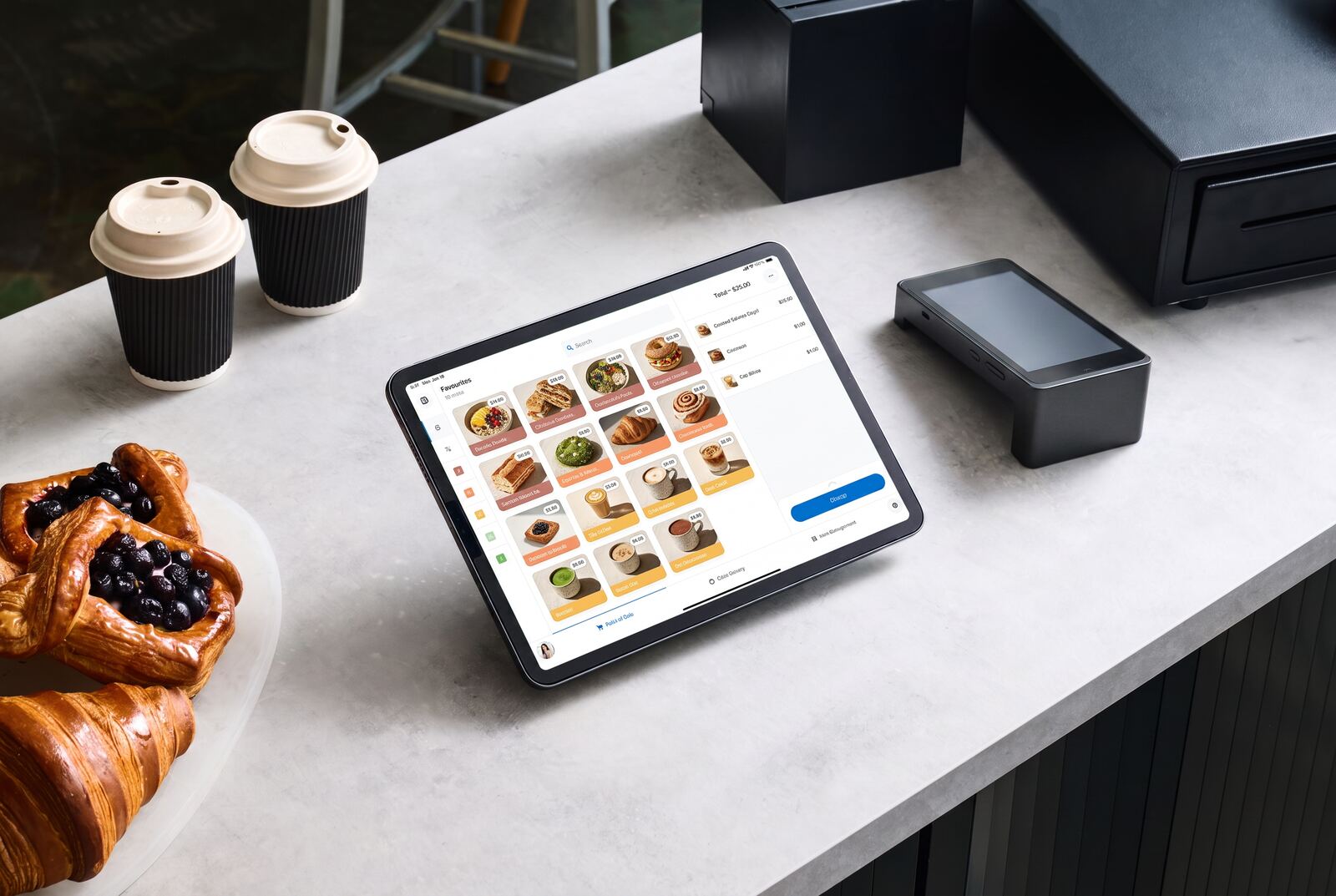
Week one
What happens when you say go
- Discovery: how you trade, your service flow, your pain points
- Menu build: items, modifiers, prices, printers and course routing
- Hardware: what you keep, what we supply, what gets replaced
- Payments: connect your chosen Australian payment provider
- Ordering: branded online store, QR codes, pickup and delivery settings
- Training: floor staff, kitchen and managers, on the actual terminal
Coverage and support
Who you call when it goes wrong
On-site and remote
On-site setup and training across Perth metro. Remote setup, screen-share training and posted hardware for regional WA.
Need2Eat first
You call us in WA first. Platform support from PushPOS and CloudWaitress sits behind us for anything that needs the vendor.
Hardware we handle
Terminals, receipt and kitchen printers, cash drawers, customer displays and 4G failover where the connection needs it.
Support hours
Local first response during trading days, with platform support behind us. We are not going to print a fake 24/7 badge — we will confirm exact support hours and response expectations on the demo, in writing, before you commit.
Perth metro and regional Western Australia
Book a 20-minute demo
Tell us how your venue trades and we will show POS and online ordering on your kind of service. No pressure, no pricing games on the call.